Image to 3D Model Online: No Software, No Experience Required
Turning a photo into a 3D model used to require specialist software, a powerful GPU, and weeks of learning. Today, Image3D does it in your browser in under 90 seconds. This guide explains how the online converter works, what inputs produce the best results, and what you can do with the output.
Direct answer
How do you convert an image to a 3D model online?
Upload a PNG or JPG to Image3D, generate a 3D mesh in the browser, inspect the result in the online 3D viewer, and export it as GLB, OBJ, STL, or PLY. You do not need Blender, local GPU setup, or desktop modeling software.
Ready to convert right now?
A free Standard browser preview is available after sign-in.
Real Results: Image to 3D in Seconds
Every model below was generated from a single image using Image3D. Drag to rotate the 3D preview.
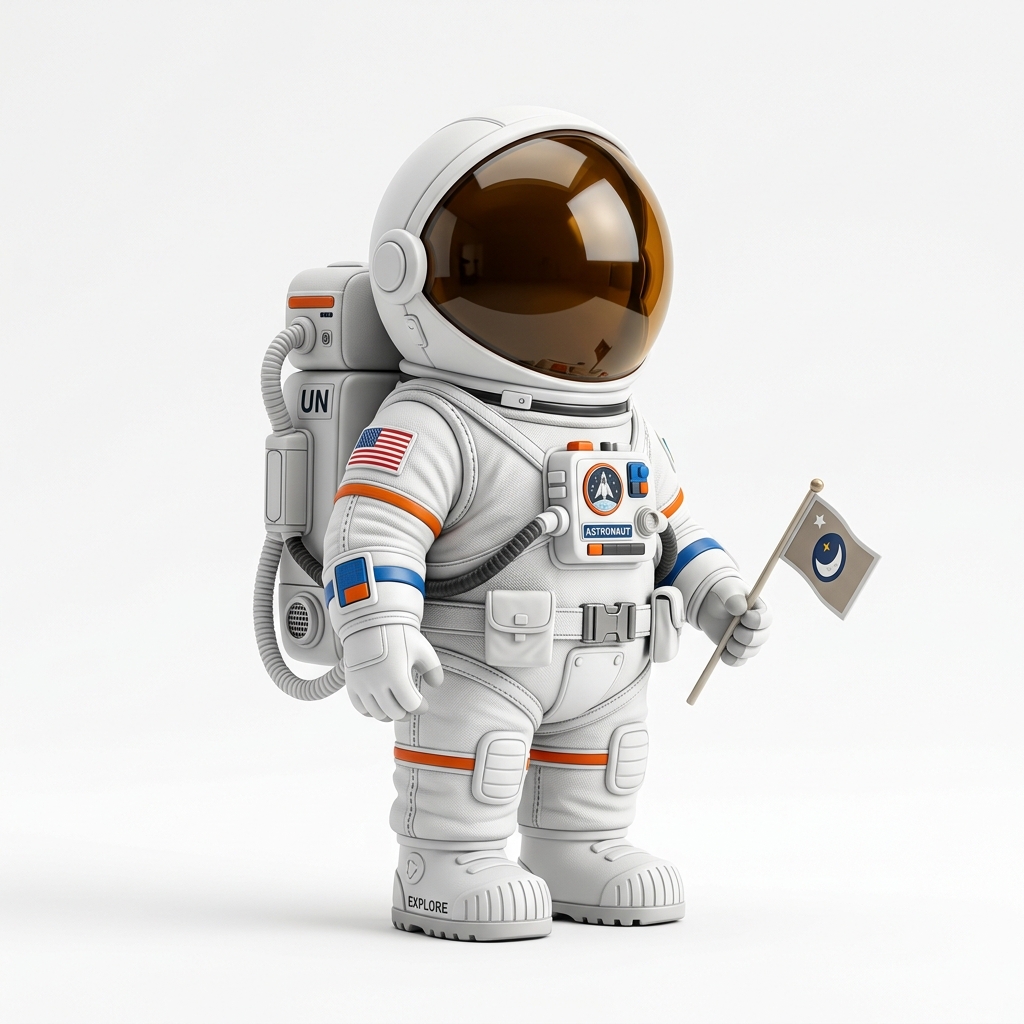
Astronaut Figurine
Toy photo → full 3D mesh. Export as GLB, OBJ, or STL.
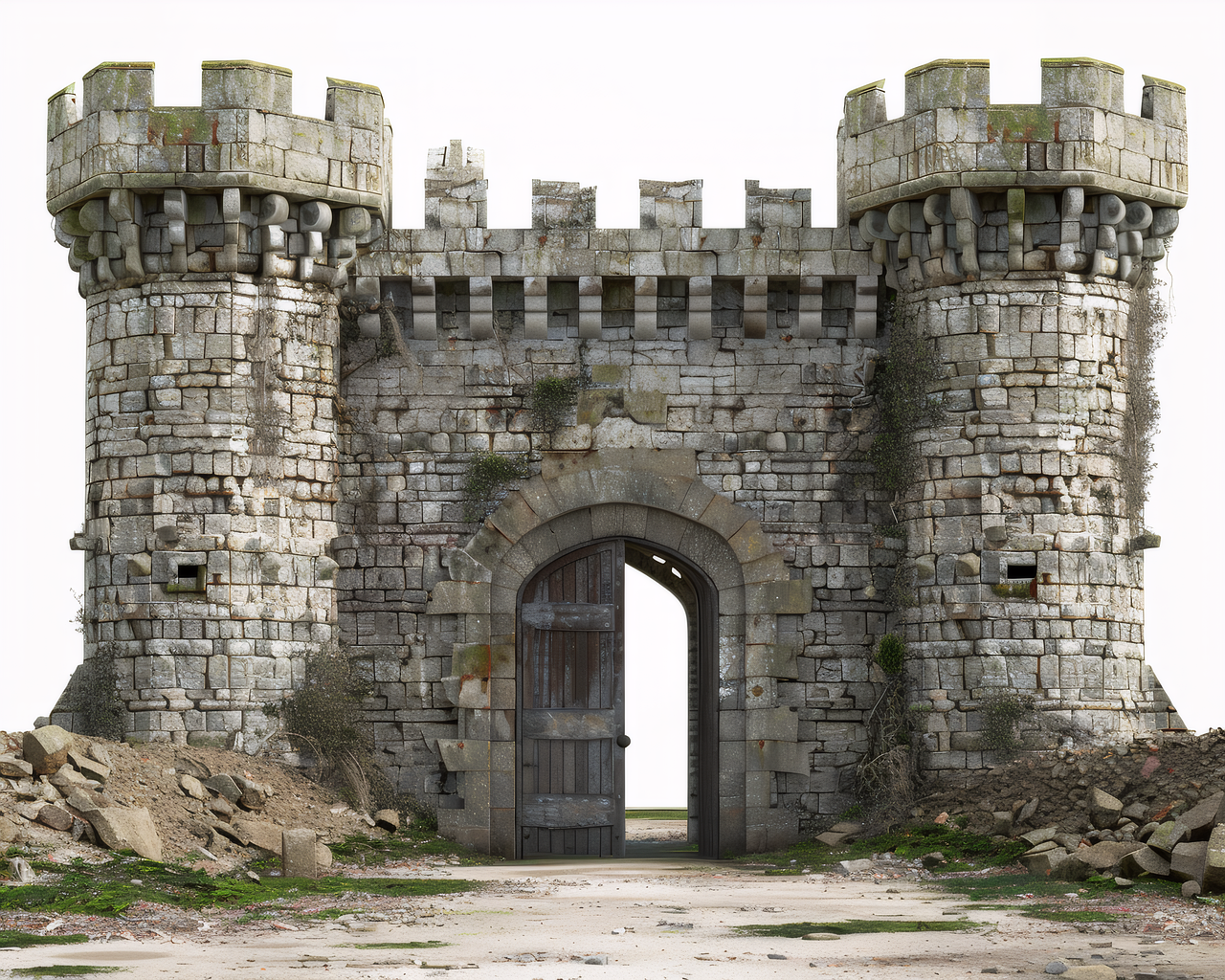
Medieval Castle
Concept art → textured 3D environment asset.
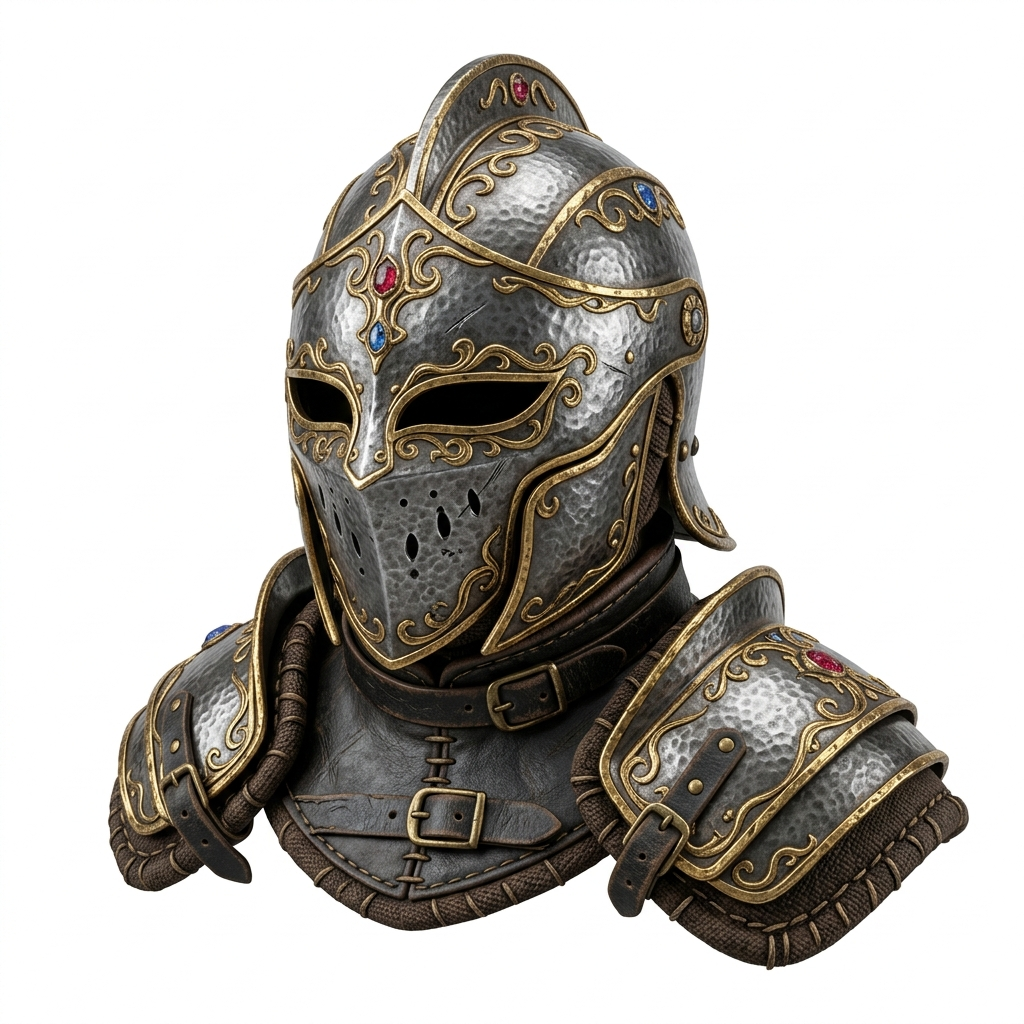
Fantasy Helmet
Fantasy art → detailed armor prop for games or 3D printing.
Try Your Own Image
Upload any photo and get a 3D model in seconds.
upload_file Upload FreeHow the Online Image to 3D Converter Works
Image3D uses a multi-stage AI pipeline to reconstruct 3D geometry from a single 2D image. Here is what happens when you upload a photo:
1. Subject isolation
The AI separates the foreground subject from the background, creating a clean mask. This is why a simple background improves results.
2. Depth estimation
A depth estimation model infers the distance of each pixel from the camera. This creates a depth map that drives the 3D mesh shape.
3. Mesh generation
The depth map is converted into a 3D polygon mesh. For Pro/Ultra tiers, a neural network also synthesizes the back and occluded sides of the object based on learned 3D priors.
4. PBR texture baking
The original image is projected onto the mesh as a texture. Pro/Ultra tiers add Physically Based Rendering (PBR) material maps — roughness, metallic, normal — for realistic lighting in game engines.
5. Export
The final model is packaged into your chosen format (GLB, OBJ, STL, or PLY) and made available for download. The 3D preview loads in your browser so you can inspect before downloading.
What Images Produce the Best 3D Models
| Image Property | Best Practice | Why It Matters |
|---|---|---|
| Background | White, grey, or neutral solid | Easier subject isolation |
| Subject count | Single, centered subject | AI focuses on one mesh |
| Camera angle | 3/4 view (45° front-left) | Shows depth of all three axes |
| Lighting | Soft, diffused, even | No harsh shadows confusing depth |
| Resolution | Minimum 512×512 px | Sufficient texture detail |
| Format | PNG or high-quality JPEG | Avoid compression artifacts |
Online vs Desktop: Why Browser-Based Wins
| Factor | Image3D (Online) | Desktop Software (e.g., Blender) |
|---|---|---|
| Setup time | Instant (browser) | Hours of installation + learning |
| GPU required | No (cloud processing) | Yes (VRAM-intensive) |
| Skill required | None | Months of 3D modeling experience |
| Time per model | 10–90 seconds | Hours to days per model |
| Output quality | Good to excellent (AI-generated) | Professional (manually crafted) |
| Cost | Free to start | Free software, costly time |
What You Can Do with Your 3D Model
Game development
Import GLB directly into Unity, Unreal Engine, or Godot as a game asset.
E-commerce AR
Add GLB to Shopify product pages for 3D viewer and AR mode on iPhone.
3D printing
Export STL and open in Cura or PrusaSlicer to print a physical object.
Web embedding
Embed the GLB in any website using the model-viewer web component.
Animation / VFX
Import OBJ into Blender for animation, rigging, or visual effects work.
3D asset marketplace
Sell your GLB/OBJ files on Sketchfab, CGTrader, or TurboSquid.
Step-by-Step: Converting an Image to 3D Online
The complete workflow takes less than 2 minutes from upload to downloaded file. Here is what each step involves and what to expect.
Prepare your image
Use a JPEG or PNG with a single subject as the focal point. Minimum 512×512 pixels — larger is better for Pro and Ultra tiers. If your photo has a cluttered background, Image3D will automatically separate the subject, but a clean background always gives better geometry results.
Upload to Image3D Studio
Go to image3d.io/tool/. Drag and drop your file or click the upload area. Sign in to use your free credits and save generation history. A small thumbnail preview appears confirming your upload was received.
Choose quality tier
Select Standard (10 credits, ~10 seconds) for quick previews. Pro (100 credits, ~45 seconds) for PBR textures and higher mesh resolution — recommended for game assets and e-commerce. Ultra (350 credits, ~90 seconds) for maximum detail — recommended for 3D printing and character models.
Generate and preview
Click Generate. A progress indicator shows processing time — typically 10–90 seconds depending on tier. When complete, a 3D viewer loads automatically. Drag to orbit, scroll to zoom, and inspect the mesh quality from all angles before downloading.
Download your format
Click Download and choose: GLB for web/AR/game engines (textures included), OBJ for Blender or Maya import, STL for 3D printing slicers like Cura or PrusaSlicer. All formats are generated from the same underlying mesh — you choose based on your destination workflow.
Image Types and Their 3D Conversion Results
Different types of photos and AI-generated images produce different 3D quality levels. Understanding this helps you prepare better inputs.
Product photography (isolated on white/grey)
Single object on a clean background with even studio lighting. This is the optimal input — Image3D can extract precise silhouettes and surface geometry. E-commerce product photos convert with the highest accuracy of any input type.
AI-generated images (Midjourney, FLUX, Stable Diffusion)
AI art with clean backgrounds and photorealistic lighting converts very well. The subject isolation is usually better than real photography because AI doesn't generate complex backgrounds by default. Works especially well for fantasy weapons, creatures, and props.
Real-world photos (outdoor, handheld)
Works well for toys, figurines, and small objects photographed on a table. Outdoor scenes with complex backgrounds are harder — enable background removal before generating. Avoid photos taken with flash directly on the subject as it flattens depth cues.
Portraits and faces
Human faces require Ultra tier for recognizable geometry. Even then, fine facial features like eyelashes and lips produce simplified mesh geometry. Good for character reference busts but not for high-fidelity facial reconstruction.
Flat illustrations, logos, abstract art
2D vector-style art lacks depth information. Image3D will produce a flat extruded mesh rather than a true 3D object. For these inputs, Text to 3D mode (describing the object you want) typically produces better geometry than converting the flat illustration.
Online 3D Conversion vs. Manual Modeling: Full Comparison
Browser-based AI conversion is not always the right tool — it depends on your accuracy requirements, timeline, and budget. Here is how it stacks up against the main alternatives.
| Method | Time | Cost | Accuracy | Best Use Case |
|---|---|---|---|---|
| Image3D (online) | 10–90 sec | Free–$0.35/model | Good–Very Good | Rapid prototyping, game props, prints |
| Blender (manual sculpt) | Hours–days | Free (time cost) | Excellent | AAA game assets, hero characters |
| Photogrammetry (iPhone) | 30–60 min | Free (iPhone 12+) | Very Good | Physical objects you can photograph |
| Freelance 3D artist | 1–7 days | $50–$500+ | Excellent | Commercial hero assets |
| NeRF tools (3D Gaussian) | 15–60 min | Free–paid GPU | Very Good | Multi-angle photo sets (10–50 images) |
For speed-to-result, Image3D is unmatched. If you need game-ready AAA quality or forensic accuracy, combine AI conversion as a blockout starting point and refine in Blender — saving 80% of modeling time even if the AI mesh isn't the final asset.
Frequently Asked Questions
Can I convert an image to a 3D model for free online?
Yes. Image3D gives you a free Standard preview after sign-in. No credit card required. Free models include an in-browser 3D preview. GLB, OBJ, STL, and PLY downloads require a paid tier.
What images work best for 3D conversion?
Single subject on a neutral background, photographed from a 3/4 angle with even diffused lighting. Minimum 512×512 px. PNG or high-quality JPEG. Avoid heavy shadows or multiple overlapping subjects.
How long does it take to convert an image to 3D online?
Standard: ~10 seconds. Pro: ~45 seconds. Ultra: ~90 seconds. All cloud-processed — no GPU needed on your end.
Do I need to install any software?
No. Image3D is entirely browser-based. Upload, generate, preview, and download — all without installing anything on your device.
What 3D formats can I download?
GLB (web/AR/game engines), OBJ (Blender/Maya import), STL (3D printing), and PLY (mesh/point-cloud workflows). GLB is recommended for most uses because it packages geometry and textures in a single file.
Can I use the 3D models commercially?
Yes. Image3D does not restrict commercial use. You retain full ownership of your exported 3D models. Use them in client work, sell them online, or integrate them into products.
Related Guides
Try the Online Converter Now
A free Standard browser preview is available after sign-in with no credit card or software download. Model downloads require Maker or another paid plan.
view_in_ar Convert Image to 3D FreeNo credit card required · GLB · OBJ · STL · PLY