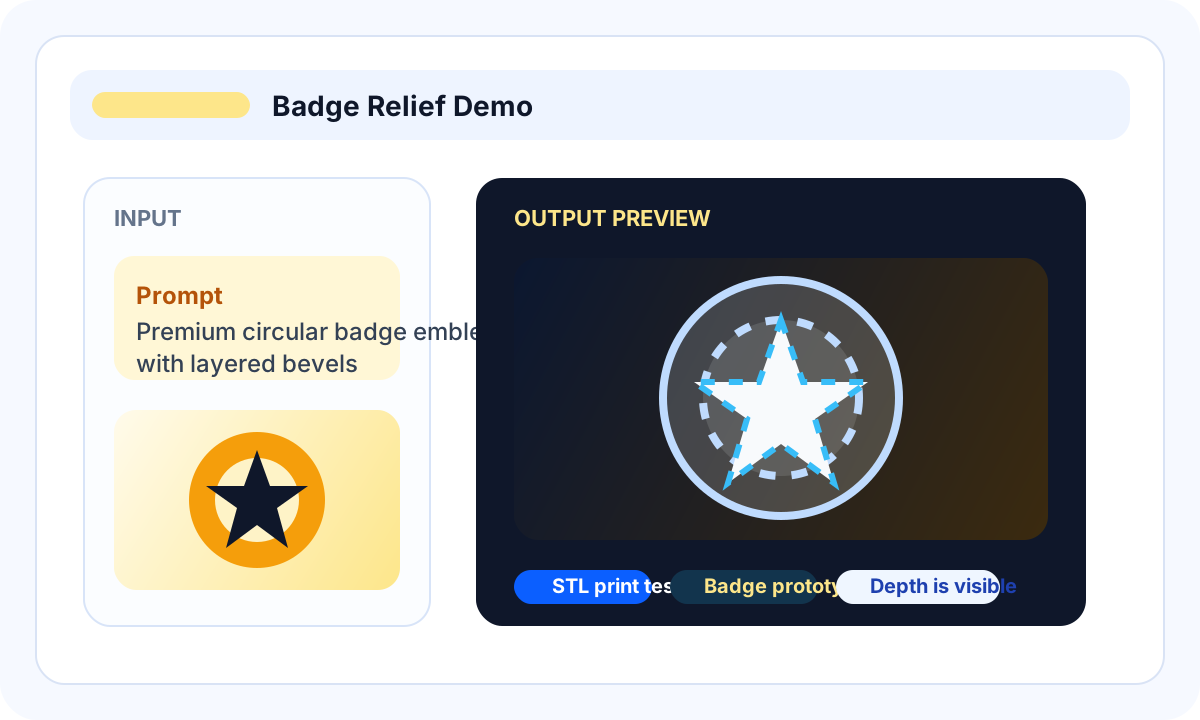
Logo badge path
Start with an owned icon and ask for a raised plaque with thick strokes, a flat back, and no tiny text.
Find an idea for your next 3D print. Choose an object, use your own image or prompt in Studio, and inspect the preview before deciding whether to export an STL.
Use this gallery to move from a concrete 3D printing idea to a custom STL attempt: choose an object, generate a preview, inspect the mesh, then export only when the shape is worth checking in a slicer.
About these examples: The featured images and models are Image3D demos; the idea cards suggest projects you can try. No third-party STL files are redistributed. A rotating preview does not prove a model has been printed successfully.
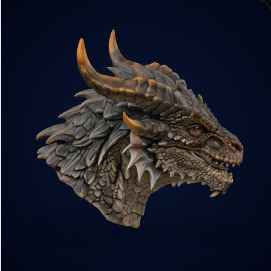
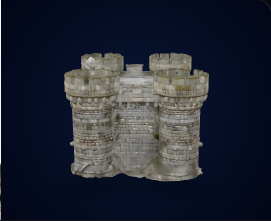
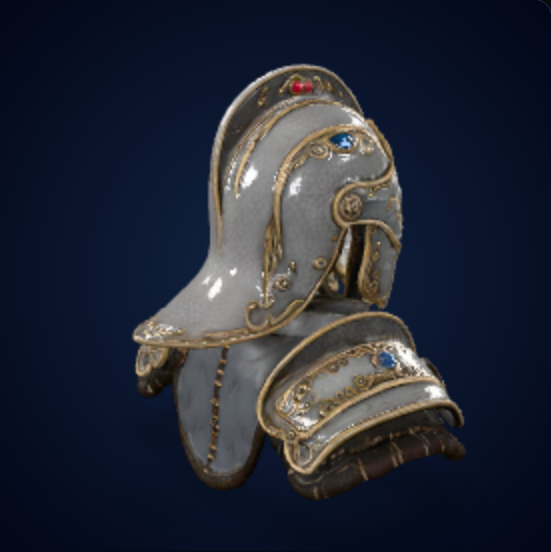
Find a starting point for your own model, with input suggestions and print checks for each type of object. These examples are ideas, not ready-to-download STL files.
Choose the closest object type, then use your own image or prompt to make a custom version instead of copying somebody else's file.
Pick a logo badge, desk toy, tabletop prop, figurine, or simple home object. That choice determines the prompt and print-risk checklist.
Open Studio or the Image to STL tool. Start with a Standard preview; if the shape looks useful, export an STL and inspect it in your slicer before printing.
| What you want to make | Recommended input | Best next step | Print warning |
|---|---|---|---|
| Make a custom logo badge | Upload a clean icon or brand mark and generate a raised relief candidate. | Open logo workflow | Small text and thin strokes may need cleanup. |
| Make a desk toy or mascot | Use a single subject with a chunky shape and stable base. | Open Studio | Hands, hair, and thin accessories can fail. |
| Make a tabletop prop | Generate a castle, terrain piece, prop, or fantasy object as a first-pass model. | Open AI STL Generator | Check scale, supports, and floating parts. |
| Test a seller-style product | Use artwork and source material you have the right to use, with a clear product silhouette. | View credit packs and plans | Generation does not transfer rights to third-party characters, brands, or artwork. |
Start with an owned icon and ask for a raised plaque with thick strokes, a flat back, and no tiny text.
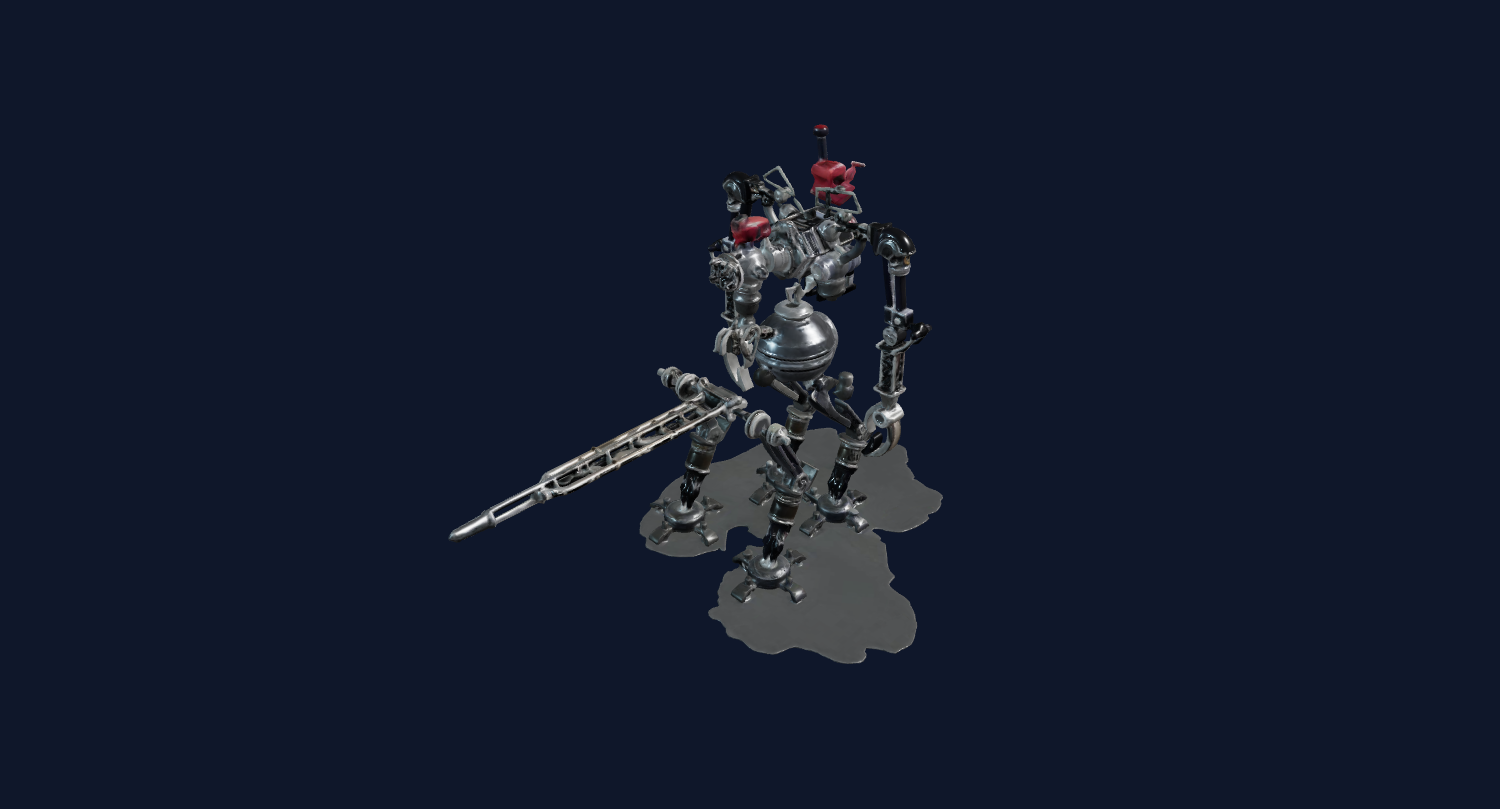
Ask for a thick base, simplified limbs, and one clear subject, then inspect hands and accessories for fragile parts.
After export, inspect walls, supports, scale, disconnected parts, and base stability in your slicer before printing.
Choose an idea, prepare an image or prompt, and inspect the preview. If the shape is worth keeping, export it and check it in a slicer before printing.
Choose an object with a clear silhouette, thick features, and an obvious use before spending credits on fine details.
Each idea needs a prompt recipe with shape constraints: flat base, thick parts, simplified details, and a single subject. That reduces bad generations.
Inspect scale, supports, islands, wall thickness, and mesh errors before treating an AI-generated STL as printable.
Use these questions to compare ideas before spending credits, print time, or material.
| Signal | Score it 0 to 2 | Why it matters | Action |
|---|---|---|---|
| Clear silhouette | 0 = hard to understand, 2 = instantly obvious | A clear silhouette makes it easier to compare the generated shape with your idea. | If weak, choose a clearer object before generating. |
| Printable shape | 0 = thin and fragile, 2 = thick and stable | Floating details and weak overhangs can cause a print to fail. | Add base, thicken parts, simplify accessories. |
| Customization | 0 = generic, 2 = easy to personalize | Use your own image or prompt to make a version that fits your project. | Add initials, brand, pet, mascot, classroom theme, or game theme. |
| Usefulness | 0 = novelty only, 2 = useful or giftable | Decide how you will use the finished object or who you want to give it to. | Try a Standard preview when the idea fits your project. |
Use the score as a rough comparison, not a guarantee. Preview promising ideas with Standard, then decide whether another generation or export is worthwhile.
These examples cover a hobby printer, a small seller, and a teacher or parent. Every path starts with a preview and ends with a slicer check rather than a print-ready guarantee.
Start with a Standard preview of your own version. If the shape looks useful, export it and inspect it in a slicer before printing.
Create customized badges, signs, desk props, or themed gifts only from source material you can lawfully use, then verify the physical file before selling a print.
A teacher or parent wants classroom objects, game pieces, or simple learning props. They need low-risk shapes, clear printing caveats, and examples that can be modified quickly.
These are original directions for prompts and custom examples, not third-party STL downloads. For every model you publish or sell, record the source rights, intended license, cleanup steps, and real print-test status.
Chunky relief, flat back, strong silhouette, scale-friendly for FDM or resin preview.
Rounded body, short legs, simple gills, stable base for a beginner-friendly object.
Small animal detail on a thick bookmark tab; tests tiny eyes and feather relief.
Curved body, raised fins, no thin hooks; a safe decorative version for prints.
Personalized head-and-shoulders model with simplified fur and a thick pedestal.
Broad shoulders, integrated base, high silhouette value, simple enough to inspect in a slicer.
Robe shape, staff merged to body, base included to avoid fragile unsupported limbs.
Flat-backed door, bricks, arch, and base thickness for tabletop scene testing.
Clean hard-surface prompt, low overhang risk, useful for game and tabletop content.
Box form with raised straps and lock detail; compares Standard and Pro surface detail.
Owned logo relief test with clean edges, thick strokes, and visible scale warnings.
Flat back, raised initials, loop thickness note, and print-size recommendation.
Round token with date, icon, and edge rim; tests text readability and engraving depth.
Large letters and a simple symbol for a classroom nameplate or family craft project.
Original symbol only, no fan-IP copying, useful for tabletop marker workflows.
A curved helmet shape with a thick rim and a display stand; inspect the connections in Blender.
Decorative handle with safe blunt geometry; checks symmetry and grip-like detail.
Boxy product form, lens ring, and visible edges; not for functional assembly.
Thick frame, large window shapes, and printable base for prop-style clips.
A simple support stand for displaying your generated badges.
Rounded toy shape, open top as concept only, and clear note that watertight repair may be needed.
Looks functional but remains a visual prototype until CAD tolerances are rebuilt.
A thick base and flat contact surface; verify stability and strength before using it to hold books.
Visual ideation only; needs CAD for angle, thickness, and real support strength.
Custom initials, a bold shape, and simple surfaces for a personalized desk trophy.
Visual reference only; exact fit, shaft, and heat tolerance belong in CAD.
Good for pitch visuals, not snap fits, screw bosses, or production tolerances.
Small branded charm idea with loop-thickness warnings and commercial-rights check.
A decorative wheel face, not a replacement for a working mechanical part.
Product-photo-to-3D style mockup for storefront visuals and early concept tests.
Use model turntables, slicer screenshots, screen recordings, and real print footage when available. Label browser previews and physical print tests separately.
Show the generated dragon rotating, then show the source image so viewers can compare them.
Compare the same object in Standard and Pro, zooming into teeth, scales, or surface texture.
Show a flat icon becoming a raised badge. Keep the message on thick strokes, flat base, and clean silhouettes.
Show a weak first preview, then a better prompt with "thick base, simplified limbs, single subject."
Use slicer annotations to explain thin parts, disconnected geometry, and scale in a short clip.
Export GLB or OBJ, inspect in Blender, then return to STL only after the shape looks worth printing.
Compare three original themes such as a dragon, badge, and desk toy, then let viewers choose which custom workflow to try.
Do not pay for extra processing until the main shape is close. Use the path that matches the result you already inspected.
Check the silhouette and back view before deciding whether the model deserves a paid export or retry.
Generate previewUnlock model downloads and Pro quality for a project without starting a subscription.
View Maker PackUse this only when the main shape is already close and you need help identifying repair, scale, or slicer issues.
See review scopeUse these answers to choose between regenerating, exporting, or cleaning up an AI-generated STL.
A printable STL gallery is a set of concrete 3D printing ideas with prompts, print checks, and links into a tool that can generate or export STL candidates.
The gallery shows Image3D examples and original printable directions. Open Studio to generate your own model; no third-party STL files are redistributed from this page.
Image3D can create STL candidates, but you should inspect every file in a slicer for wall thickness, scale, supports, islands, and mesh issues before printing.
Start with simple useful objects, raised badges, toys, props, or display pieces. Avoid exact mechanical replacement parts unless you plan to remodel them in CAD.
No blanket commercial license is granted by this gallery. Use images and prompts you have the right to use, and review the rights required for your generated model and intended sale.
Image3D is for customization. Use your own image or prompt to make a version that fits your project, then inspect and repair the result before printing.
Pick a simple object, keep the prompt print-aware, generate Standard first, then export only when the preview deserves a slicer check.
Make your own version of a 3D printing idea.
Seen a dragon, miniature, badge, prop, or desk toy you want to make? Choose an object type, open Studio, and preview your own version before paying for export.
This page does not sell third-party STL files. Use your own image or prompt to create a model, inspect the preview, and decide whether to export it for slicer checks.
Pick the printable direction