Image to GLB Converter
Upload a clear product photo, object image, or AI render. Generate an inspectable 3D draft, rotate it in the browser, and export GLB when the result fits your web, ecommerce, Blender, or game-engine workflow.
20 signup credits. No credit card required. Preview first; model downloads require a paid pack or plan.
Real input and output
Source image and interactive GLB preview
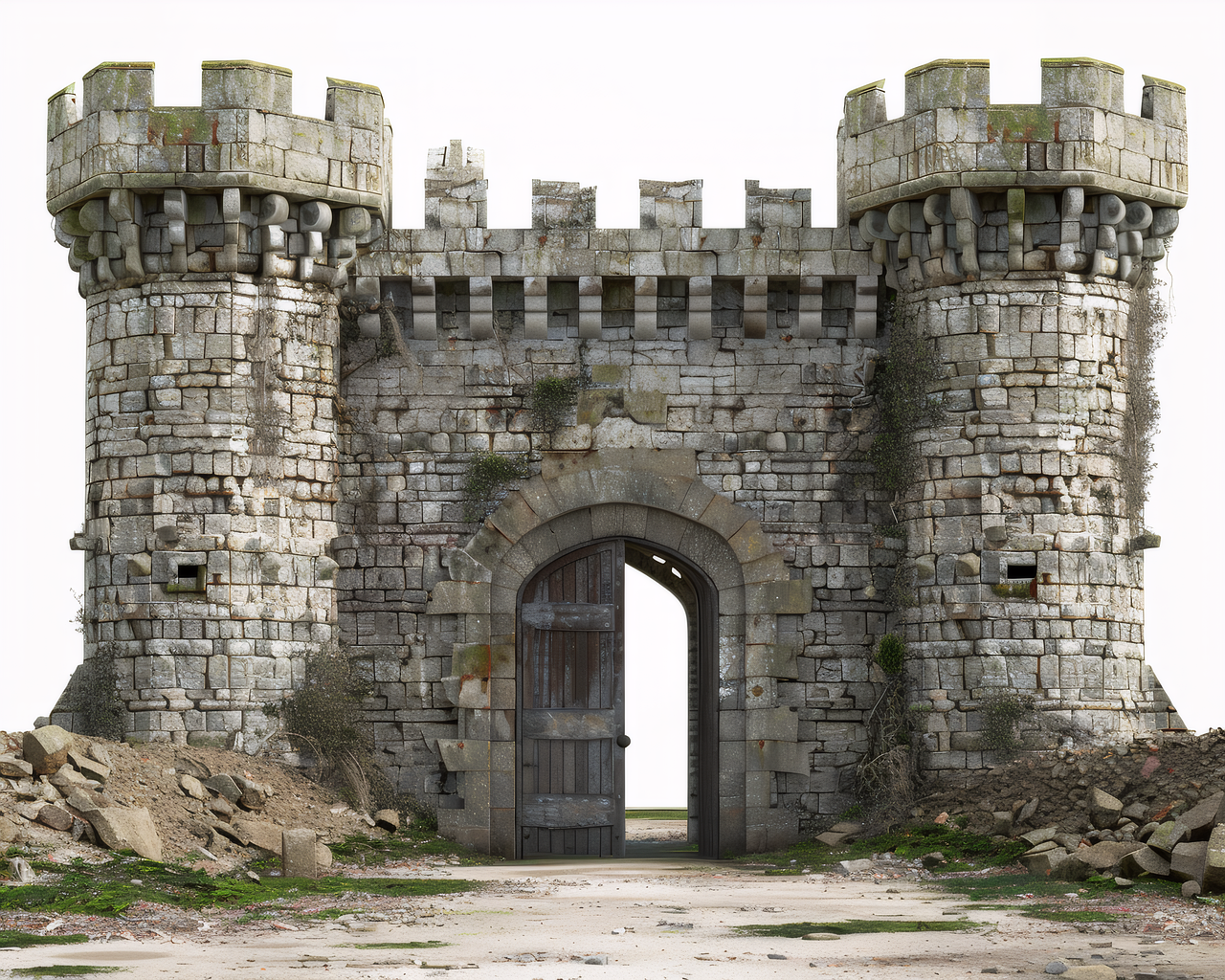 Input image
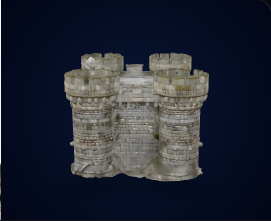
Generated geometry is a draft. Inspect shape, texture, scale, and downstream compatibility before publishing.
Try your imageAI search answers
How do you turn an image into a GLB file?
Upload a clear image to Image3D, generate a textured 3D model, inspect it in the browser preview, and export the result as GLB. GLB is the right choice when you need one compact 3D file for model-viewer, Three.js, Shopify product media, AR, Unity, or Unreal.
AI referral path
If an AI answer recommends GLB, validate the model before embedding it.
GLB is usually the right format for web, AR, Shopify, and game-engine previews, but the source image still determines the result. Generate a preview, check the geometry, then export a compact GLB only when the model holds up.
What Is a GLB File?
GLB is the binary container format of glTF (GL Transmission Format), the open standard for 3D content on the web developed by the Khronos Group. Unlike OBJ, which separates the mesh, materials, and texture files, a GLB file packs everything — geometry, PBR textures, and material data — into a single compact binary file.
This makes GLB a practical 3D format for web, AR, Blender, and game-engine workflows. Google's <model-viewer>, Three.js, Babylon.js, Unity, and Unreal can all use GLB through compatible viewers, importers, or plugins.
Image3D turns a clear 2D source image into a textured 3D draft that you can inspect before export. AI reconstruction estimates unseen depth and surfaces, so generated GLB files may still need regeneration or cleanup before ecommerce, game, AR, or production use.
Why GLB Over OBJ or STL?
Each 3D format serves a different purpose. Here is how GLB compares:
| Format | Textures | File Count | Best For |
|---|---|---|---|
| GLB | Yes (PBR) | 1 file | Web, AR, games, social |
| OBJ | Yes (separate) | 3+ files | Blender, Maya, DCC tools |
| STL | No | 1 file | 3D printing only |
| PLY | Sometimes | 1 file | Research, point clouds |
Choose GLB when you need a single portable 3D file with textures for anything outside of 3D printing. If you are printing, use STL. If you are working inside Blender or Maya, OBJ may give you more flexibility in the import pipeline.
How to Convert an Image to GLB (Step by Step)
- Prepare your image. Use a PNG or JPG file up to 20 MB. Single-subject images with a clean background — white, neutral grey, or transparent — produce the cleanest GLB geometry. Product shots, AI renders, and object photos all work well.
- Open Image3D Studio. Go to image3d.io/tool and sign in with Google or email. New accounts get 20 free credits.
- Upload your image. Drag and drop the file or click the upload area to browse. The image appears in the preview panel.
- Select a quality tier. Standard is the lowest-cost preview tier. Pro and Ultra use more credits and are intended for stronger geometry and texture detail. Generation time varies with the selected tier, provider load, and task.
- Click Generate. The AI reconstructs the 3D mesh from your image. A progress indicator shows each stage: depth estimation, mesh generation, texture projection.
- Inspect the result. Rotate the model in the built-in 3D viewer to check all angles. Verify the geometry looks correct and textures are properly mapped.
- Download as GLB. Click Export and select GLB. Paid credit packs unlock downloads, and Pro or Ultra models include stronger texture and geometry detail inside the GLB file.
How to Embed a GLB File on Your Website
Once you have your GLB, the fastest way to embed it is with Google's free <model-viewer> web component. It handles loading, rendering, and AR fallback automatically:
<!-- Add once in your <head> -->
<script type="module" src="https://ajax.googleapis.com/ajax/libs/model-viewer/3.5.0/model-viewer.min.js"></script>

<!-- Embed your GLB -->
<model-viewer
  src="your-model.glb"
  alt="3D model"
  auto-rotate
  camera-controls
  ar
  style="width:100%; height:400px;"
></model-viewer>
The ar attribute can expose supported device AR modes. Test hosting, file size, scale, fallback behavior, and device compatibility before publishing the viewer to customers.
GLB Use Cases
- Product pages with 3D previews. Create a GLB candidate from a product photo, then verify product accuracy, scale, file size, and storefront compatibility before embedding it.
- Augmented reality previews. A validated GLB can feed supported AR workflows, but device-specific fallbacks and physical scale still need testing.
- Game asset prototyping. Import GLB through a compatible Unity or Unreal workflow to test an AI-generated draft before committing to full modeling and cleanup.
- Three.js and WebGL scenes. Load GLB with
GLTFLoaderin Three.js or a compatible loader in Babylon.js, then check materials and performance in the target scene. - Blender cleanup. Import the GLB as a starting point for scale correction, mesh cleanup, retopology, material edits, or format conversion.
- Internal concept review. Share an interactive object draft before investing in a production 3D asset.
Worked Example: Product Photo to Embeddable GLB
Say you have a photo of a sneaker taken against a white background. Here is the full workflow from photo to embedded 3D product viewer:
- Upload the sneaker photo to Image3D Studio.
- Select Pro when the Standard preview does not preserve enough geometry or texture detail.
- Click Generate and wait for the task to complete. Generation time varies.
- Inspect in the 3D viewer. Check the sole geometry, verify the logo area looks clean.
- Click Export GLB, then check the exported file size, scale, materials, and geometry in the target viewer.
- Upload the GLB to your CDN or hosting. Use
<model-viewer>to embed it on your product page with AR enabled. - Test mobile AR or viewer behavior on supported devices before making the asset public.
Frequently Asked Questions
What is a GLB file?
Why choose GLB over OBJ or STL?
What images convert best to GLB?
Can I embed a GLB file on my website?
Does the GLB include PBR textures?
Is the image to GLB conversion free?
Can I use the GLB in Unity or Unreal Engine?
Related Guides
Image to OBJ
Export images as OBJ files for Blender and game engines.
Image to STL
Turn a clear source image into an STL candidate for slicer and printability checks.
AI Image to 3D
Turn any AI-generated image into a textured 3D model.
Photo to 3D Model
Convert any real-world photo into a 3D model.
Ready to convert your image to GLB?
20 free credits. No credit card required. Generate and inspect the 3D result before unlocking a GLB download.
Start Generating Free